Flexible Compression Settings
Whether you want a quick and simple workflow or more control over output quality, bitrate, and resolution, our video compressor makes the process flexible and easy to use.
Compress files from your device locally, or import a public Google Drive, Dropbox, or video URL.
Drag and drop a video file to start
Processing happens locally on this device
MP4, WebM, MOV, MKV, AVI or WMV · up to 250 MB
Compression presets
ClipShrink gives individual creators a focused, private path from source video to downloadable result.
Device files stay local. When you choose a cloud link, the import service transfers it to your browser before encoding begins.
Options are grouped around the decision at hand, without burying the primary action.
Preview the encoded video and compare measured input and output sizes before downloading.
Choose a quick target size or fine-tune codec, quality, resolution, frame rate, and bitrate for the result you need.
Whether you want a quick and simple workflow or more control over output quality, bitrate, and resolution, our video compressor makes the process flexible and easy to use.
Video compression runs in your browser with a local WebAssembly engine. Files chosen from your device are not uploaded; public cloud links pass through the import service before local encoding.
Choose MP4, WebM, MOV, MKV, AVI, or WMV files and export a share-ready MP4 using H.264, with H.265 available in compatible desktop browsers.
Follow real encoding progress, cancel a long-running job, then compare the original and compressed file sizes before downloading.
Make video compression simple with an intuitive workflow that helps you compress video in just a few clicks. The file, settings, progress, preview, and download stay in one clear flow.
The local engine works directly on your device. The first run loads the encoder once, then your browser handles the media workflow.
Make large videos smaller in three clear, on-device steps.
An email attachment, a clip for your community, or a lighter video library. Start with the file you already have.
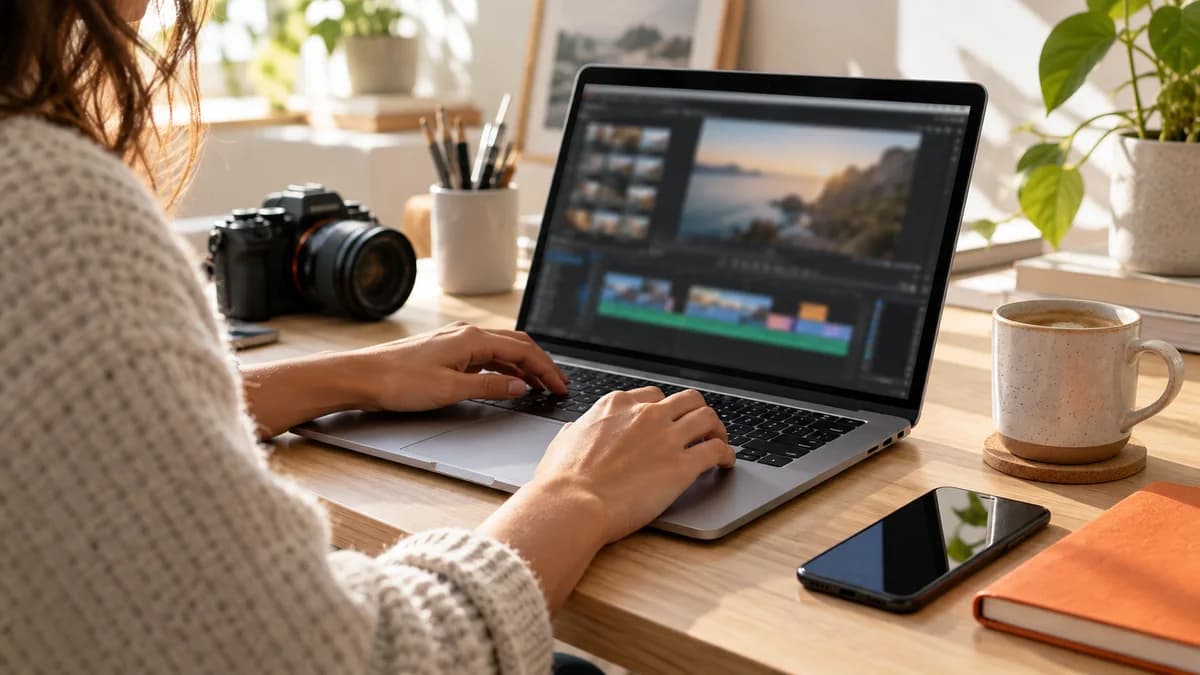
Send the clip, not a bulky file. Create a smaller video attachment and check your email provider’s size limit before sending.

Keep the conversation moving. Reduce your clip’s file size for sharing in a chat or community, then check Discord’s current upload limit.
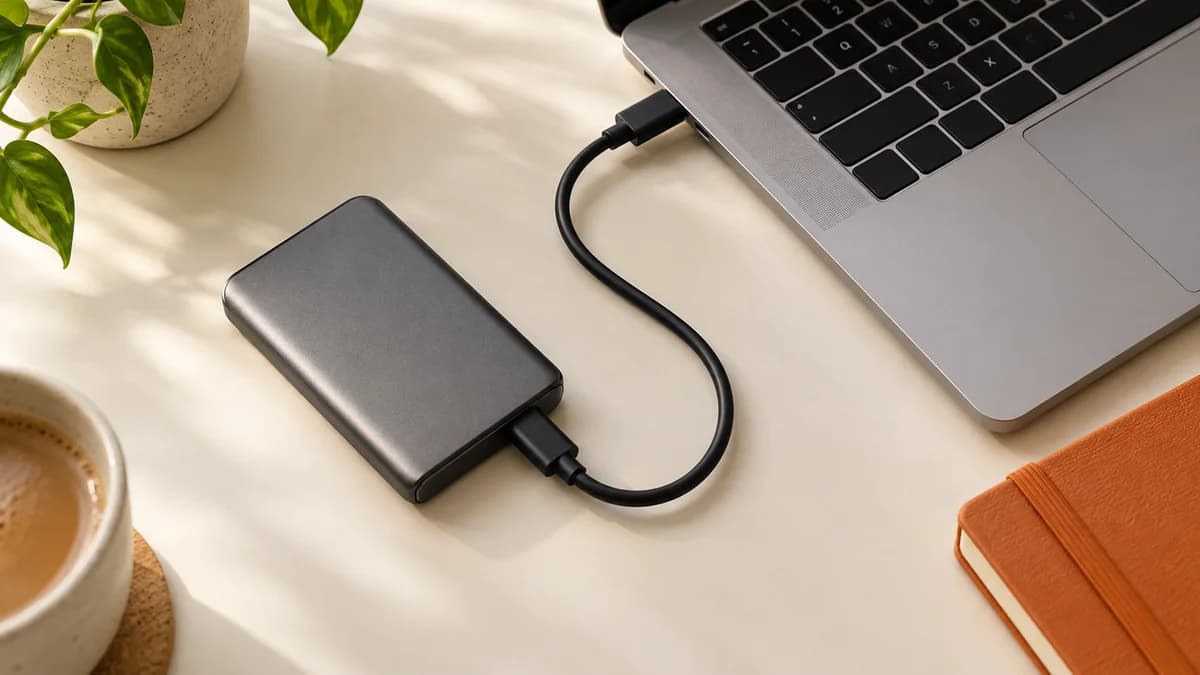
Make room for your next project. Keep smaller copies of everyday videos and back up the originals you want to preserve.
A focused workflow built around private processing, visible progress, and a result you can inspect before downloading.
Each workspace keeps the file, settings, action, and result states in one readable flow.
Compression creates a separate downloadable copy, so the source file on your device remains untouched.
The working compressor is clearly separated from related tools that are still being prepared.
Warm neutrals reduce visual noise while orange is reserved for selection and action.
Preview the included sample encodes. Your own result will vary with the source video and settings you choose.
Basic is 50% smaller; Strong is 70% smaller. These sample reductions are rounded from measured file sizes, not a guarantee for your uploads.
Choose a video, set a target or fine-tune the advanced controls, and create a downloadable MP4 directly in your browser.
Compress Video NowAnswers about private browser processing, format choices, device limits, and downloadable results.
Modern mobile browsers can run the compressor, but on-device encoding uses memory and battery. Start with a short, small video and keep the browser open until it finishes.
Choose a video, select Basic target-size compression or Advanced codec controls, then start compression. A local WebAssembly encoder creates the downloadable MP4 inside your browser.
Start with a balanced preset, then inspect motion, small text, and fine detail before choosing a stronger reduction.
Compressed videos use widely supported formats and can be played with your browser, phone gallery, or a standard media player.
H.264 offers excellent compatibility. Newer codecs can create smaller files, but compatibility depends on the device and platform where the video will be used.
The browser compressor accepts files up to 250 MB. Available device memory and video complexity can still affect which files finish successfully.
Yes. Creators, marketing teams, educators, and businesses can use it for social, presentations, email, storage, and everyday production workflows.
No application install is required. On first use, the page loads a local encoding engine of about 31 MB, and processing then runs in your browser.
Yes. Local editing, conversion, image compression and PDF compression are free. New accounts receive 10 welcome credits once. One-time paid packs are listed on the pricing page; checkout availability is shown there.
Video compression uses one credit per started 100 MiB; transcription uses one per started minute. The cost is shown before processing. Eligible reserved credits are restored if a job fails or local compression is cancelled. Purchased credits do not expire and there is no automatic renewal.
Yes. Sign in and paste a public Google Drive, Dropbox, or direct HTTPS video link. Cloud imports pass through the ClipShrink import service, while the actual encoding still runs in your browser.